Exact MAX 5.5.2 Offers New Enhancements & Quality Fixes
Exact MAX® version 5.5.2 is now available for Exact customers to download from the Exact Customer Portal.
What's New in MAX 5.5.2?
Next Steps to Upgrade to MAX 5.5.2
Highlights of MAX 5.5.2
- 29 customer issues resolved
- 12 enhancements
Return to top
Featured 5.5.2 Enhancements
MAX Financial Integration Manager (enhancement 44.202.397)
Vendor and Customer company names in MAX have been extended to 64 characters to match Microsoft Dynamics and are restricted to 41 characters when integrated with QuickBooks (screen shot below).

QuickBooks-specific enhancements:
- MAX Customer and Vendor maintenance screens have been modified to not allow entering Customer IDs that already exist as Vendor IDs or Vendor IDs that already exist as Customer IDs.
- An option has been added to synchronize MAX Currency Exchange Rates with those in QuickBooks. (included in 5.5.1 HF1)
- An option has been added to re-post GL batches, vouchers, and sales orders that fail to post the first time. (included in 5.5.1 HF1)
- MAX Financial Integration Management for QuickBooks is now compatible with Canadian QuickBooks. (included in 5.5.1 HF1)
Return to top
Material Requirements Planning and Master Scheduling (enhancement 44.103.452)
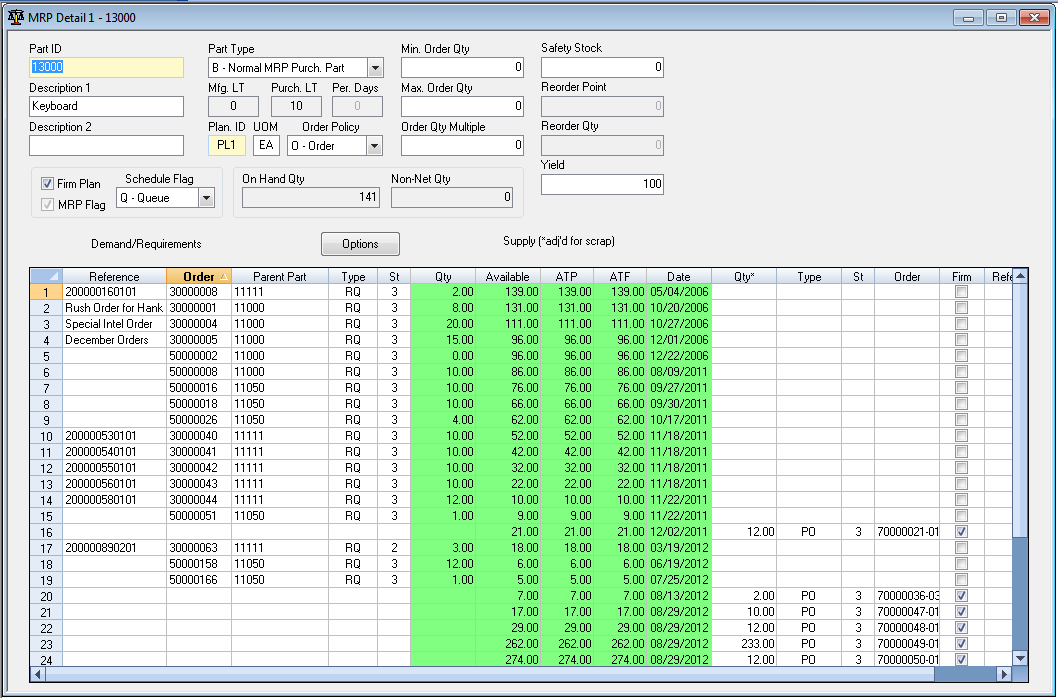
Parent Part ID was added to the demand side of the MRP Detail and Order Detail grids (screen shot below).
Return to top
Purchasing Control (enhancement 39.889.699)
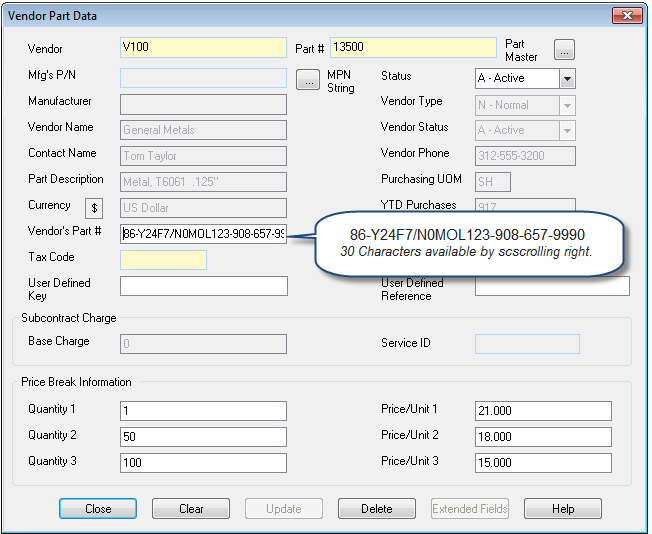
Vendor Part ID was expanded to 30 characters (screen shot below).
Return to top
Sales Order Processing (enhancements 43.613.246 and 43.915.256)
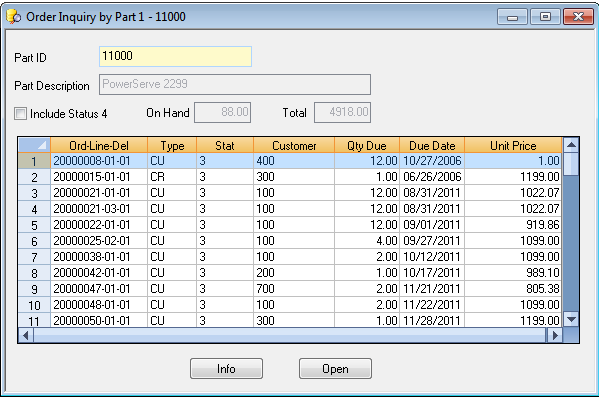
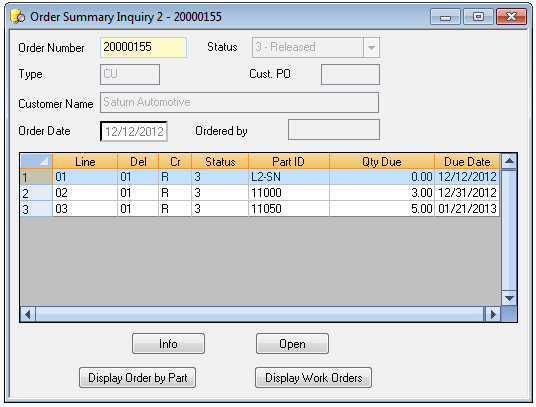
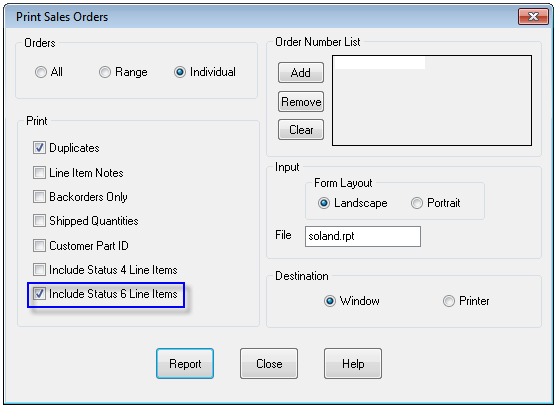
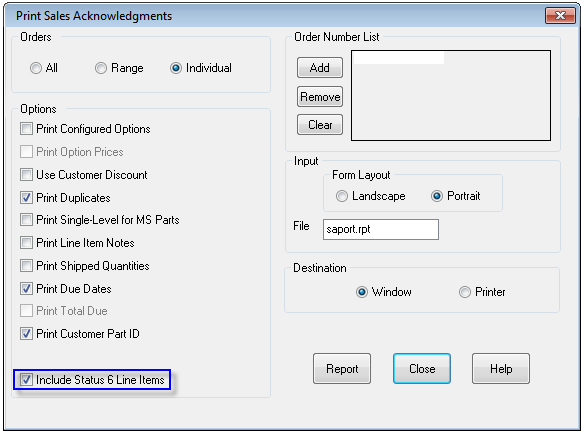
- Due date was added to Display Order by Part and Display Order Summary Grids (screen shots below).

Return to top
Shop Floor Control (enhancement 21.880.594 and 17.359.769)
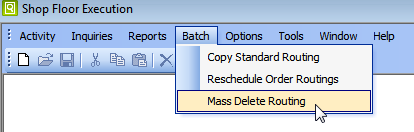
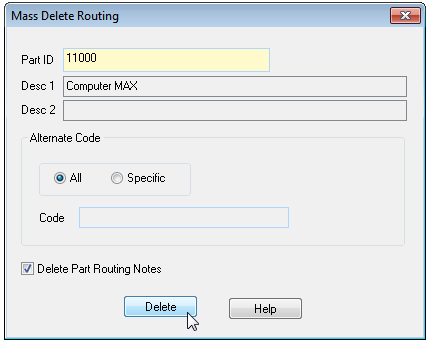
A new Batch Menu item was added to Mass Delete Part Routings (screen shots below).
Return to top
Review the MAX 5.5.2 Rollout Presentation for ALL the Details
For a comprehensive description of all customer-voted enhancements, new functionality, and specific quality fixes that have been incorporated into MAX 5.5.2, please review the latest version of the MAX 5.5.2 Rollout Presentation.
Return to top
Upgrading to Exact MAX 5.5.2
Need help with your MAX upgrade?
If you're ready to upgrade your MAX system, but you don't have the time or technical resources on hand to keep it under control, MAX Professional Services is here to help. Exact MAX offers a team of highly-qualified and experienced consultants to ensure your project is completed on time and within budget.
Contact your Account Manager for more information.
Thank you for being an Exact MAX Customer!
Return to top
Intuit and QuickBooks are registered trademarks of Intuit Inc. Microsoft and Dynamics GP are registered trademarks of Microsoft Corporation.